Readiness levels and matrix
Presets
Beyond TRL and BRL, four presets are available.
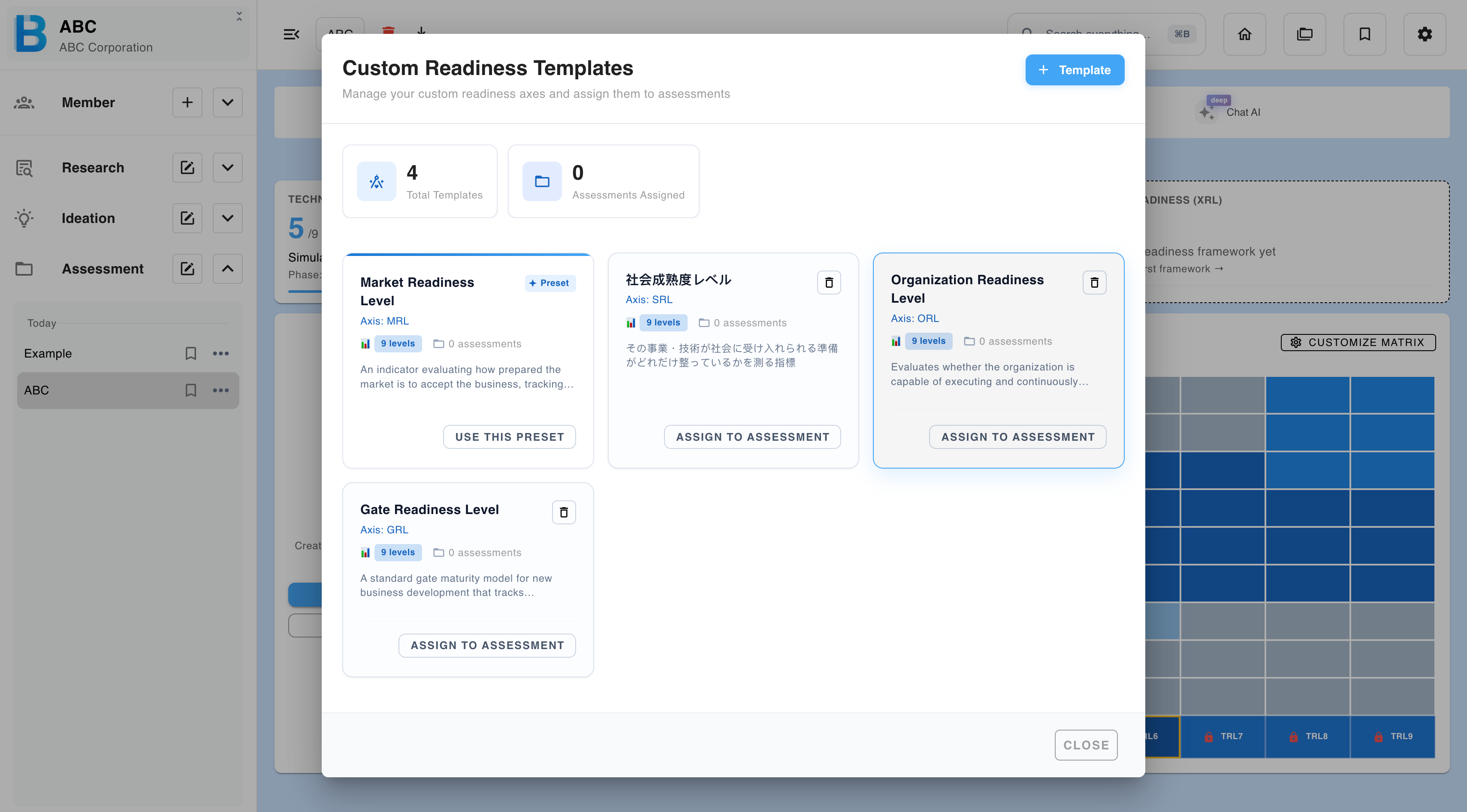
| Preset | Measures |
|---|---|
| GRL — Gate Readiness Level | Progress against stage-gate criteria. |
| ORL — Organization Readiness Level | Whether the organisation can actually execute. |
| SRL — Social Readiness Level | Societal acceptance and readiness. |
| MRL — Market Readiness Level | Market maturity for the offering. |
Building your own
The builder lets you define a readiness level matching criteria your organisation actually uses — your own gate review, for instance, rather than an approximation of it.
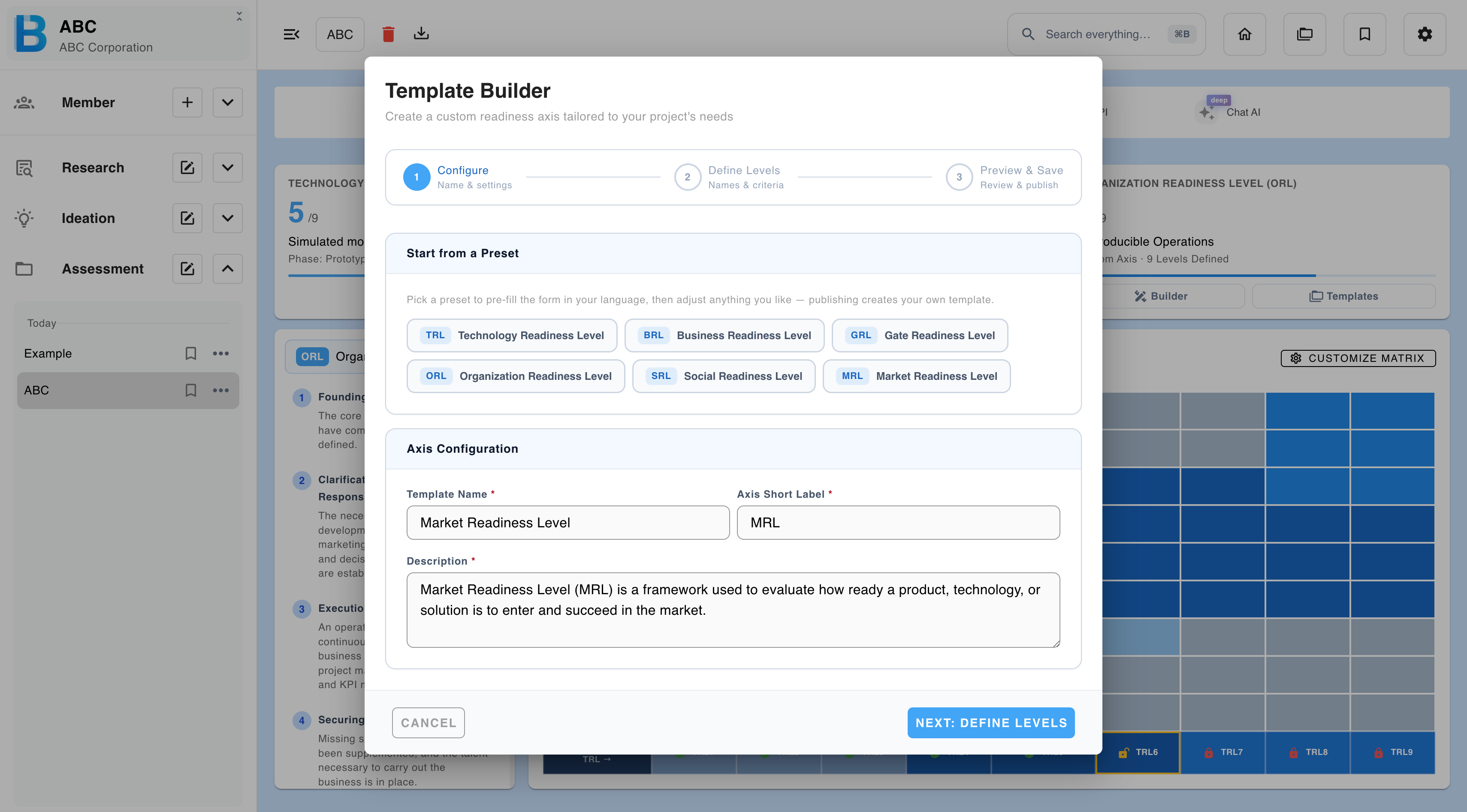
| Step | What to do |
|---|---|
| 1 | Open the builder. |
| 2 | Optionally start from a preset and adapt it. |
| 3 | Set the name, abbreviation and description. |
| 4 | Define each level with a name and a definition. |
| 5 | Preview and publish. |
| 6 | Assign it to a project. |
Customising the matrix
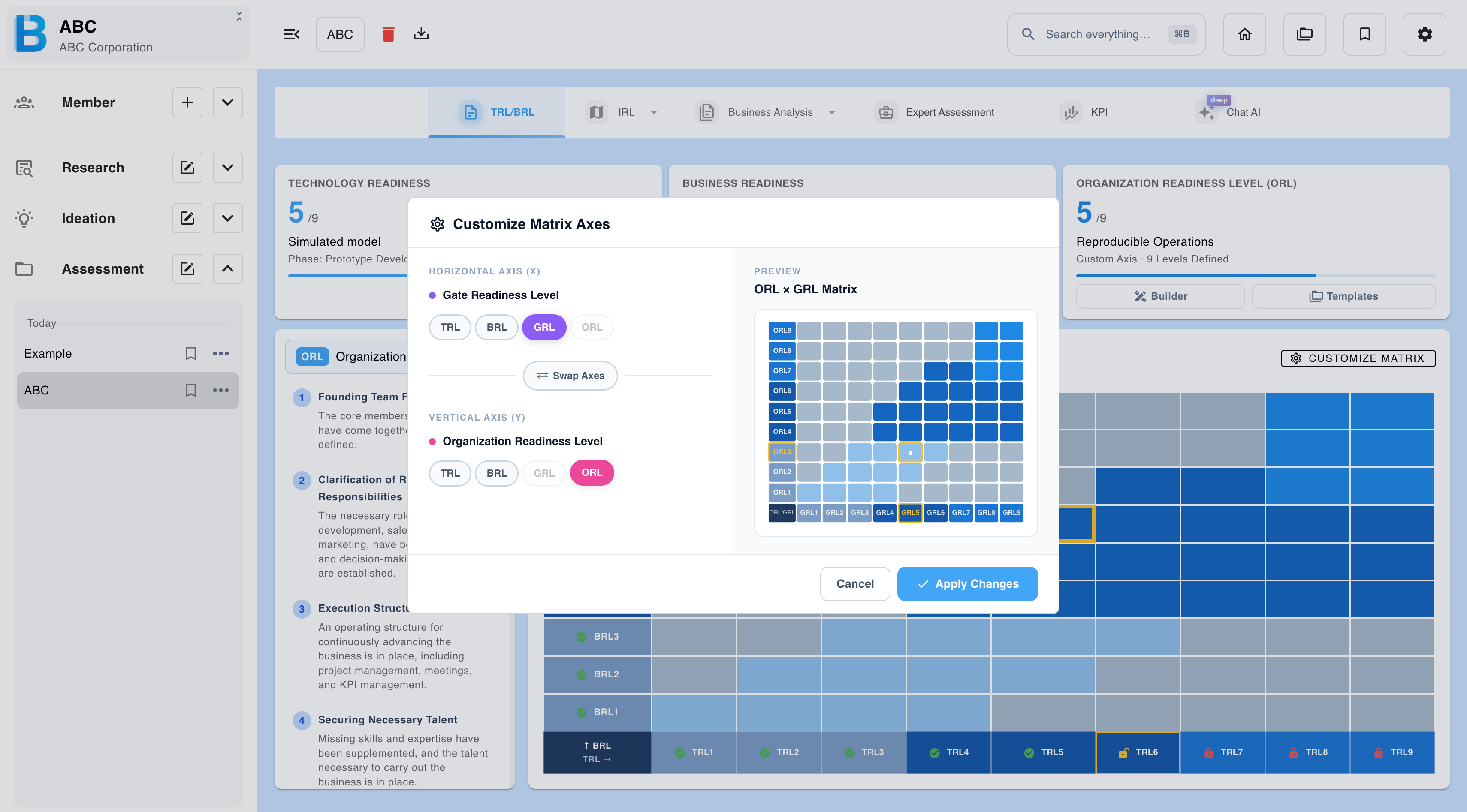
The matrix displays two axes at a time, TRL × BRL by default. Customize matrix switches this to any pair you have evaluated — GRL × ORL, MRL × BRL, and so on.
Pick the pair that reflects your actual bottleneck. A project blocked on organisational capacity and market timing tells you nothing new on a TRL × BRL grid.
Reading a report
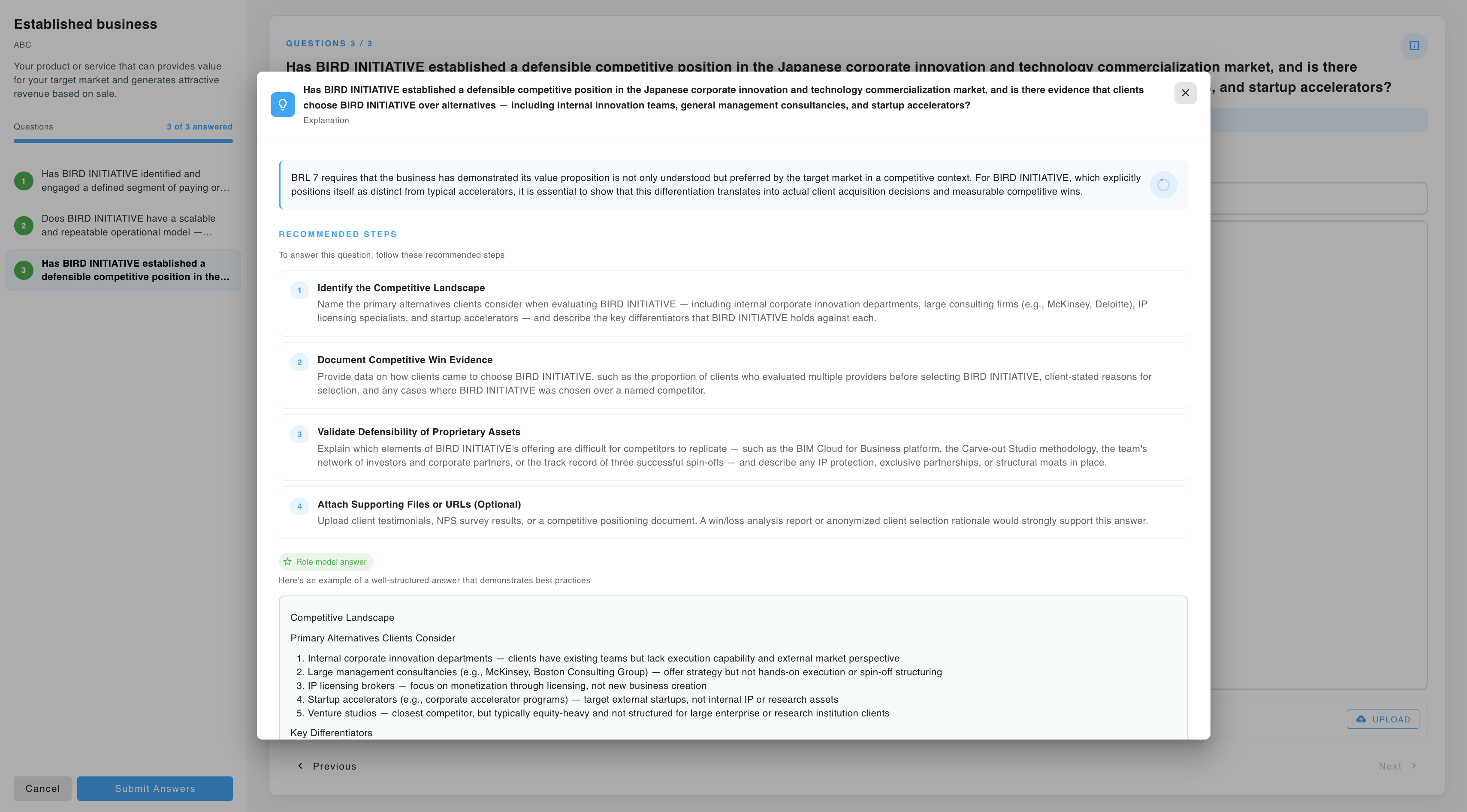
Open a report from a readiness card, or from the marker on the matrix. Switch between axes with the tabs.
Each report contains the current level and phase name, an overall analysis, and a table of supporting evidence listing the specific items found and what each one demonstrates.
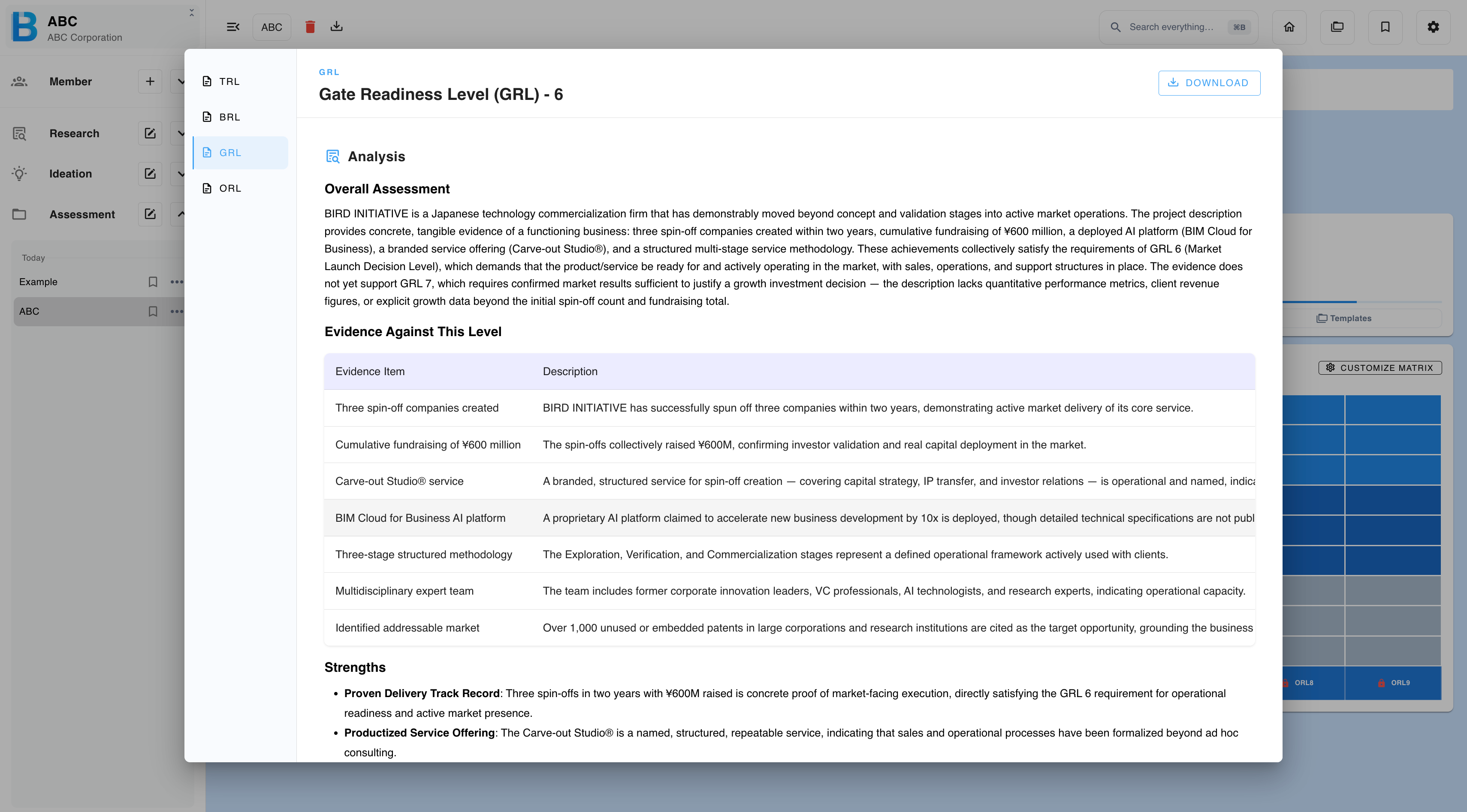
Regenerate explanation re-runs the reasoning without re-running the assessment. Use it when a report is thin, or has misread a document.
Downloading a report
| Format | Options |
|---|---|
| Standard or high quality. | |
| Word | A .docx of the report. |
| PowerPoint | A .pptx of the assessment project as a whole. |
Answer the readiness level
| Step | What to do |
|---|---|
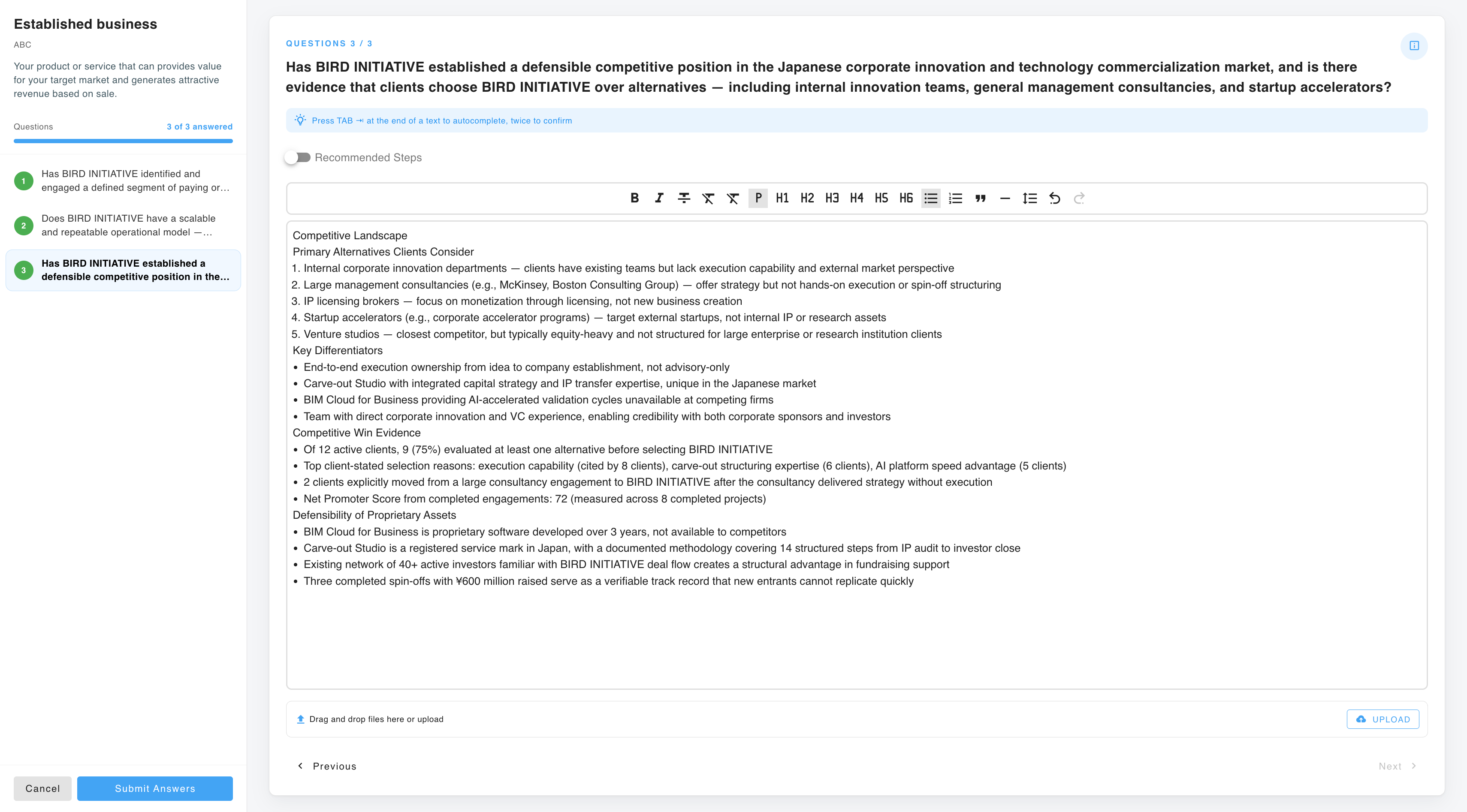
| 1 | On the matrix, select the level one above your current position. |
| 2 | The questions required for that level appear. |
| 3 | Answer them in the text field, and upload supporting files — the same formats as elsewhere, up to 50 MB each. |
| 4 | Submit. |
Your submission is evaluated against the level's criteria, and you are told whether it meets them.