Folders
Create and manage folders in Research, Ideation and Assessment, and move items into them.
Research, Ideation and Assessment can each hold folders, so a section with a lot of items stays navigable.
Creating a folder
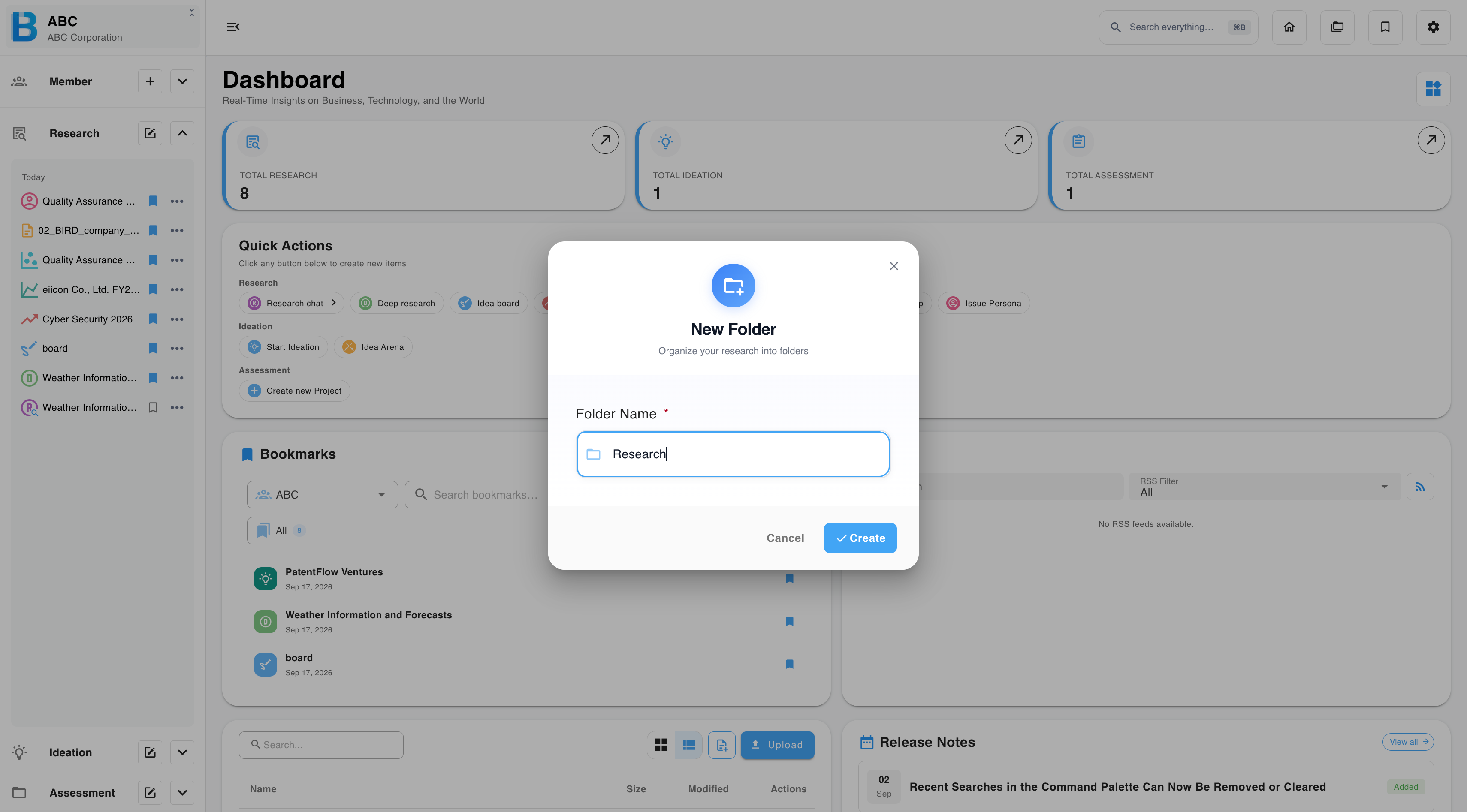
Open the section menu, select New folder, enter a name, then select Create.
Managing a folder
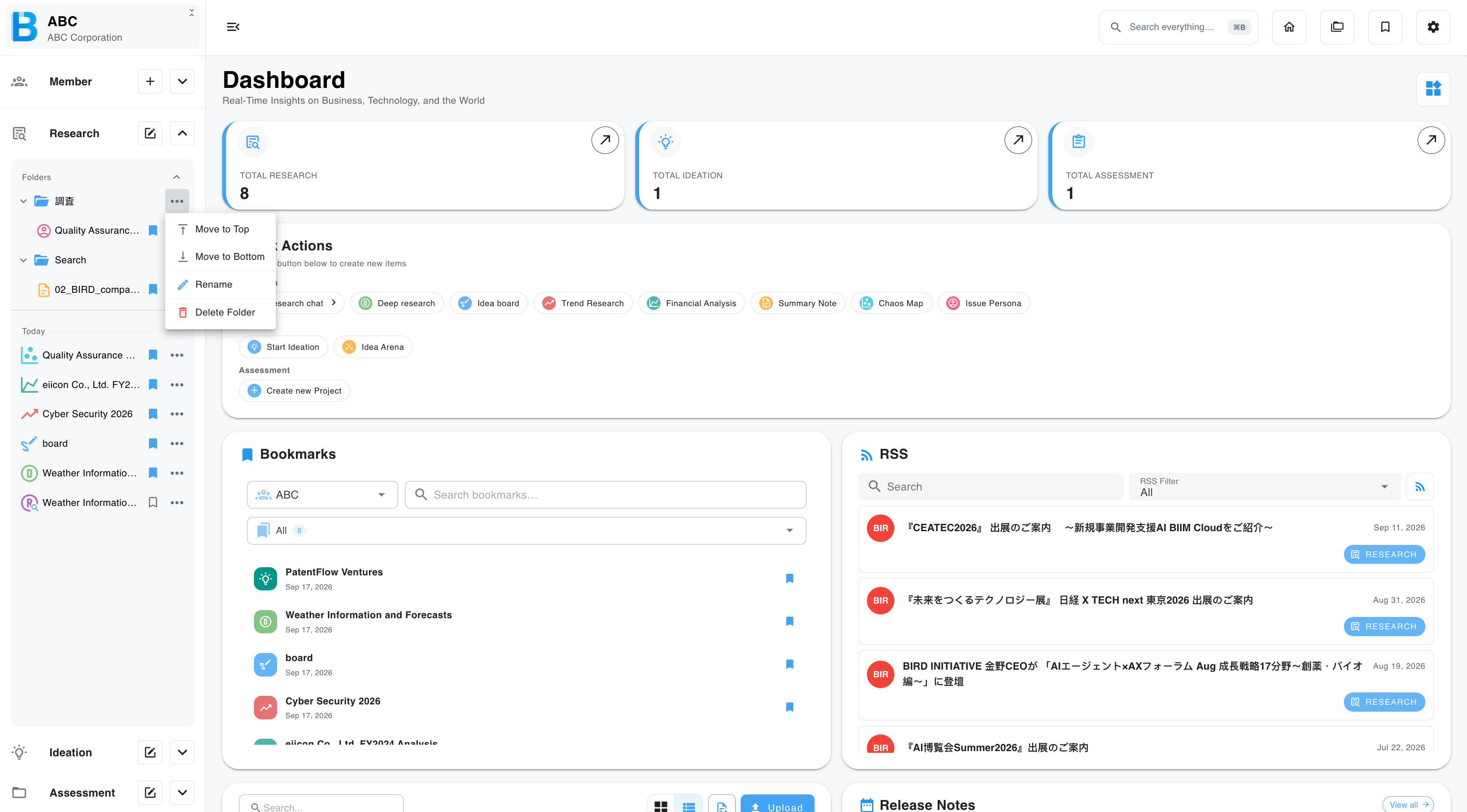
Select ··· on a folder to rename it, delete it, or move it to the top or the bottom of the list.
Moving an item into a folder
- Drag the item and drop it onto the folder, or
- Select ··· on the item, then Move to folder
An item lives in one folder at a time. Moving an item that is already in a folder takes it out of the current one.