Ideation analysis
Every idea has a set of analysis views, generated on demand. Open a view and select generate. Generation continues if you move elsewhere in BIIM, and once a view exists it never needs regenerating unless you edit the idea itself.
| View | What it gives you |
|---|---|
| Similar services | Existing offerings close to yours. |
| Strategic partner | Organisations worth partnering with. |
| Pictograph chart | A visual diagram of how the business works. |
| SWOT | Strengths, weaknesses, opportunities and threats. |
| PEST | Political, economic, social and technological factors. |
| Diamond strategy | Competitive positioning analysis. |
| AI expert | Commentary from a domain specialist's perspective. |
| AI persona | Commentary from a customer's perspective. |
| KPI | Key indicators, laid out as a mandala chart. |
| Simulation | A five-year financial projection. |
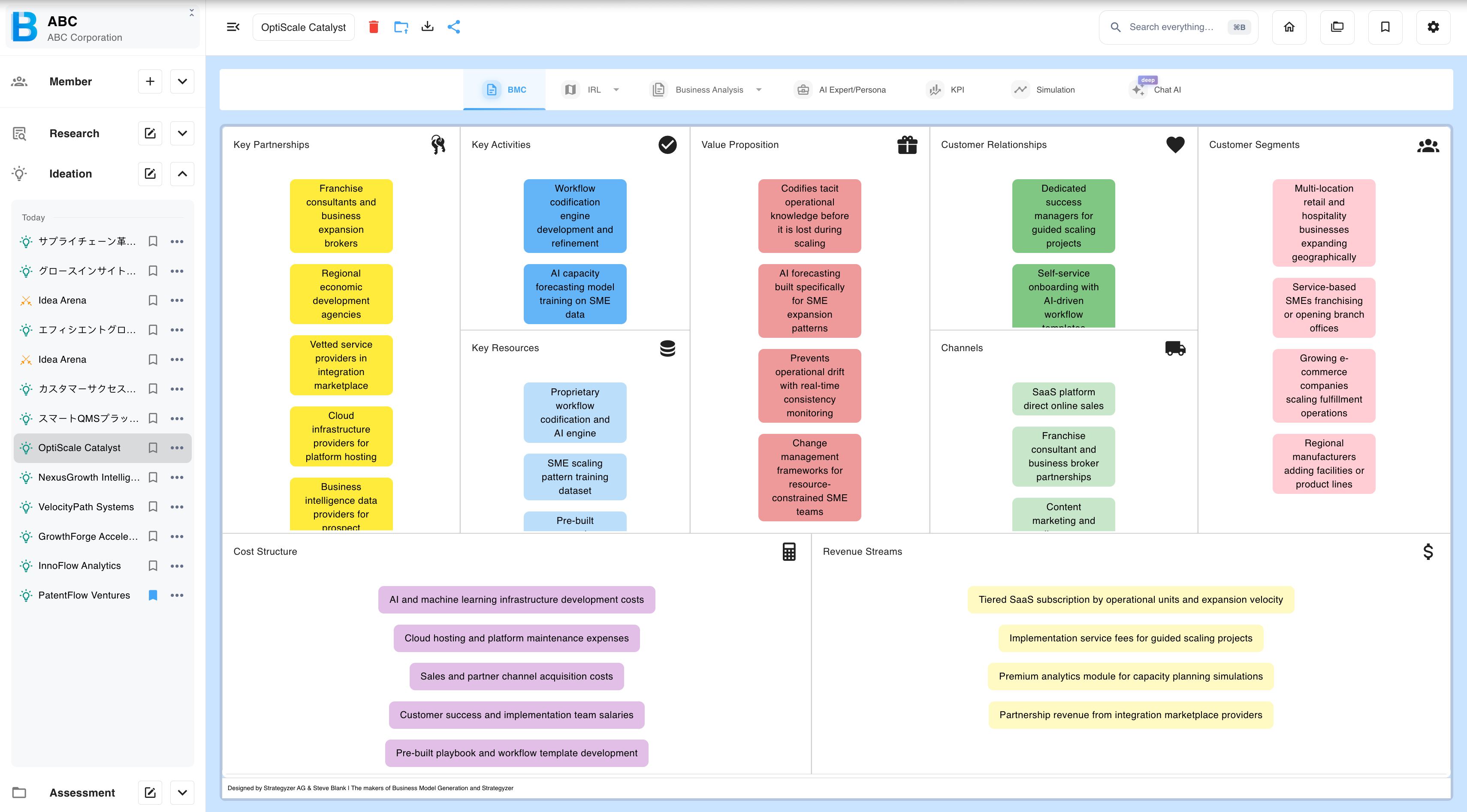
Working with the simulation
There are three ways to change the numbers, in increasing order of how much they disturb.
1. Edit values directly
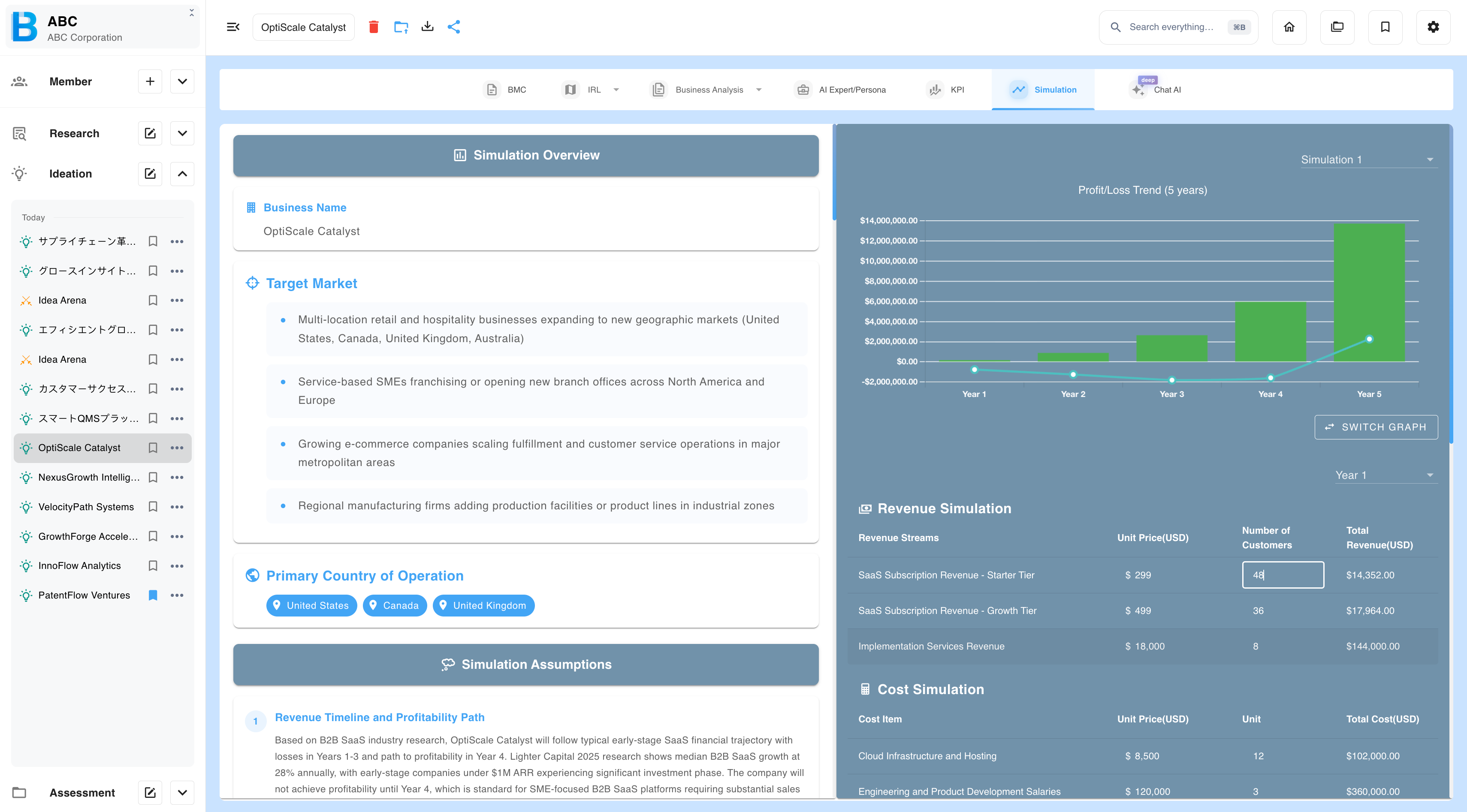
Type over the unit prices and quantities in the revenue and cost tables. Totals and charts update immediately.
2. Regenerate with an instruction
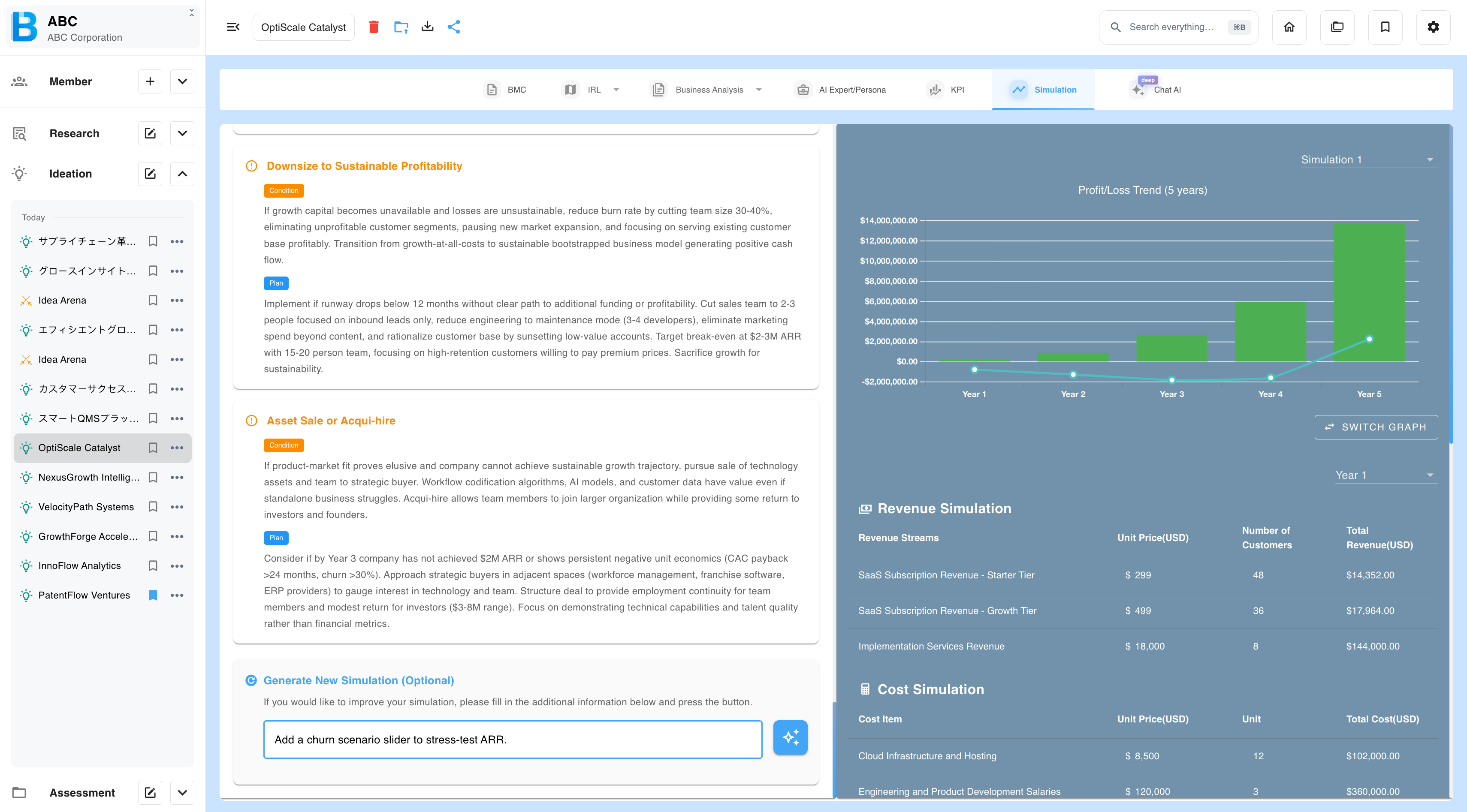
Type a requirement and regenerate. This rebuilds the projection on new premises, so the numbers and the narrative stay consistent with each other. Prefer this over direct editing for anything substantial.
3. Regenerate plainly
Regenerate without an instruction to get a fresh projection on the same premises. Useful when a first run produced something obviously off.
To change the revenue model or the cost structure properly, edit the idea itself — see Managing Ideations.