Settings
The settings menu: language, invitations, inquiry, policies, account and sign out.
Select the gear icon in the top right.
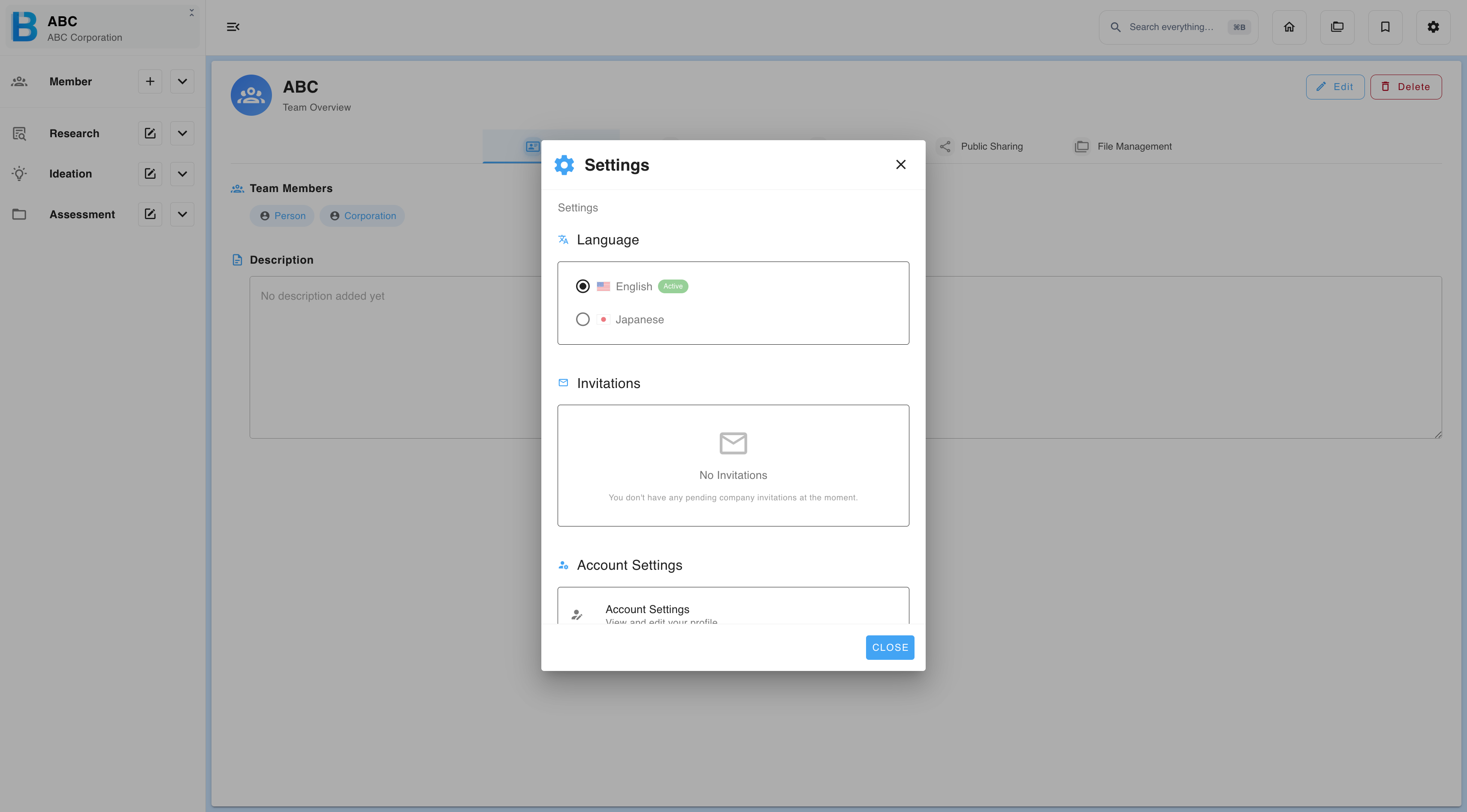
| Item | What it does |
|---|---|
| Language | Switches the interface and the output language. |
| Invitations | Accept or decline invitations to other groups. A notification badge appears when one is waiting. |
| Inquiry | Open the contact form on the BIIM landing page. |
| Privacy Policy | Opens the privacy policy on the BIIM landing page. |
| Service Level Agreement | Opens the SLA on the BIIM landing page. |
| Account | Edit your profile and change your password — see Sign In. |
| Sign out | Signs you out of your account. |
Language applies to generated output, not just the interface. With Japanese selected, feeding the AI an English document still produces Japanese output. Check this setting before a long generation, not after.
For problems, see Troubleshooting. Unfamiliar terms are defined in the Glossary.