RSS
Subscribe to news feeds, read new articles in one place, and turn any article straight into research.
RSS lets you subscribe to sites that publish updates, read new articles in one place, and turn any article straight into research.
First-time setup
When no feed is configured, the RSS widget shows a selection screen instead of articles. Choose from the presets, or paste the address of a feed of your own.
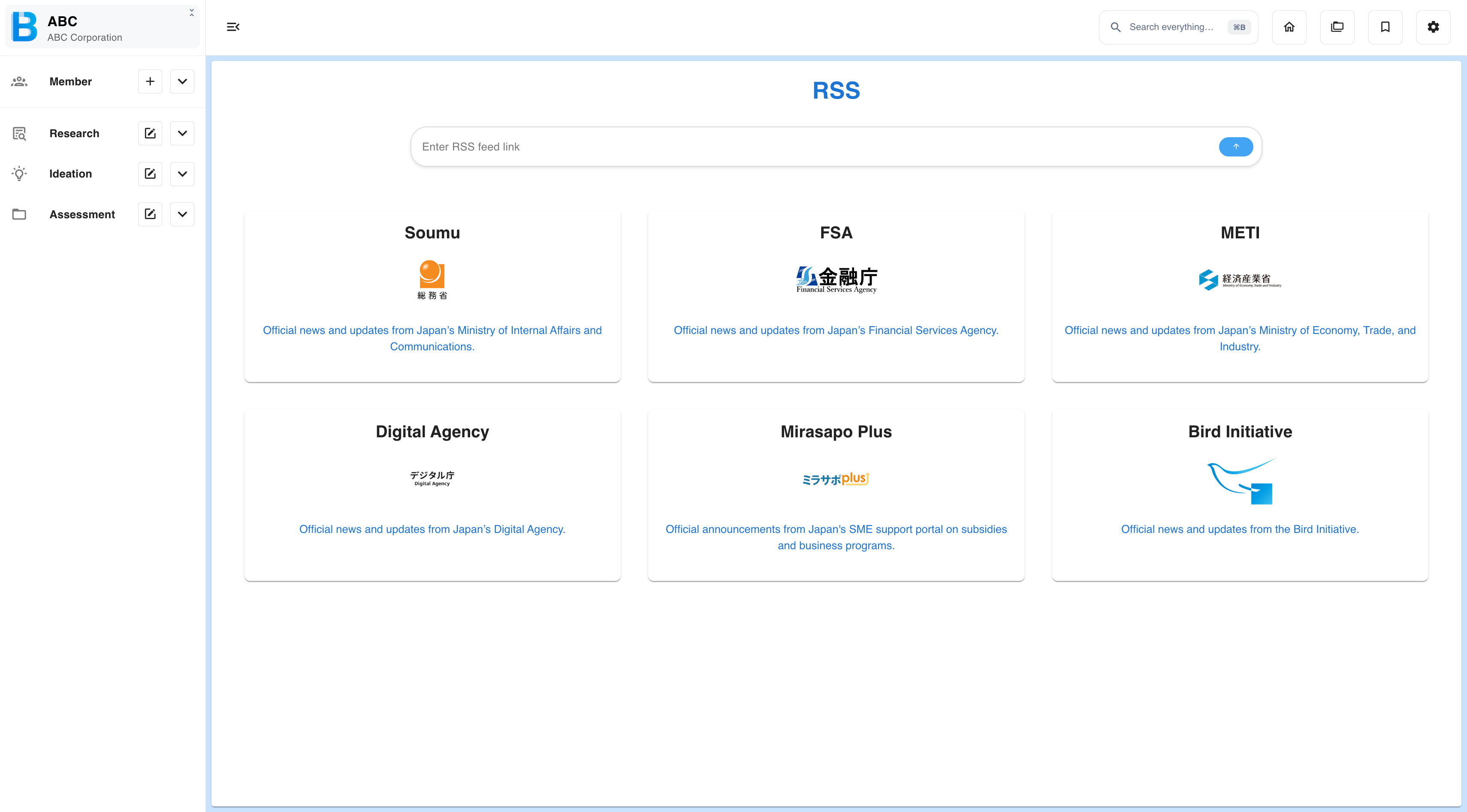
The BIRD feed is included as a preset, so you can receive BIIM Cloud and BIRD INITIATIVE updates alongside external news.
Reading
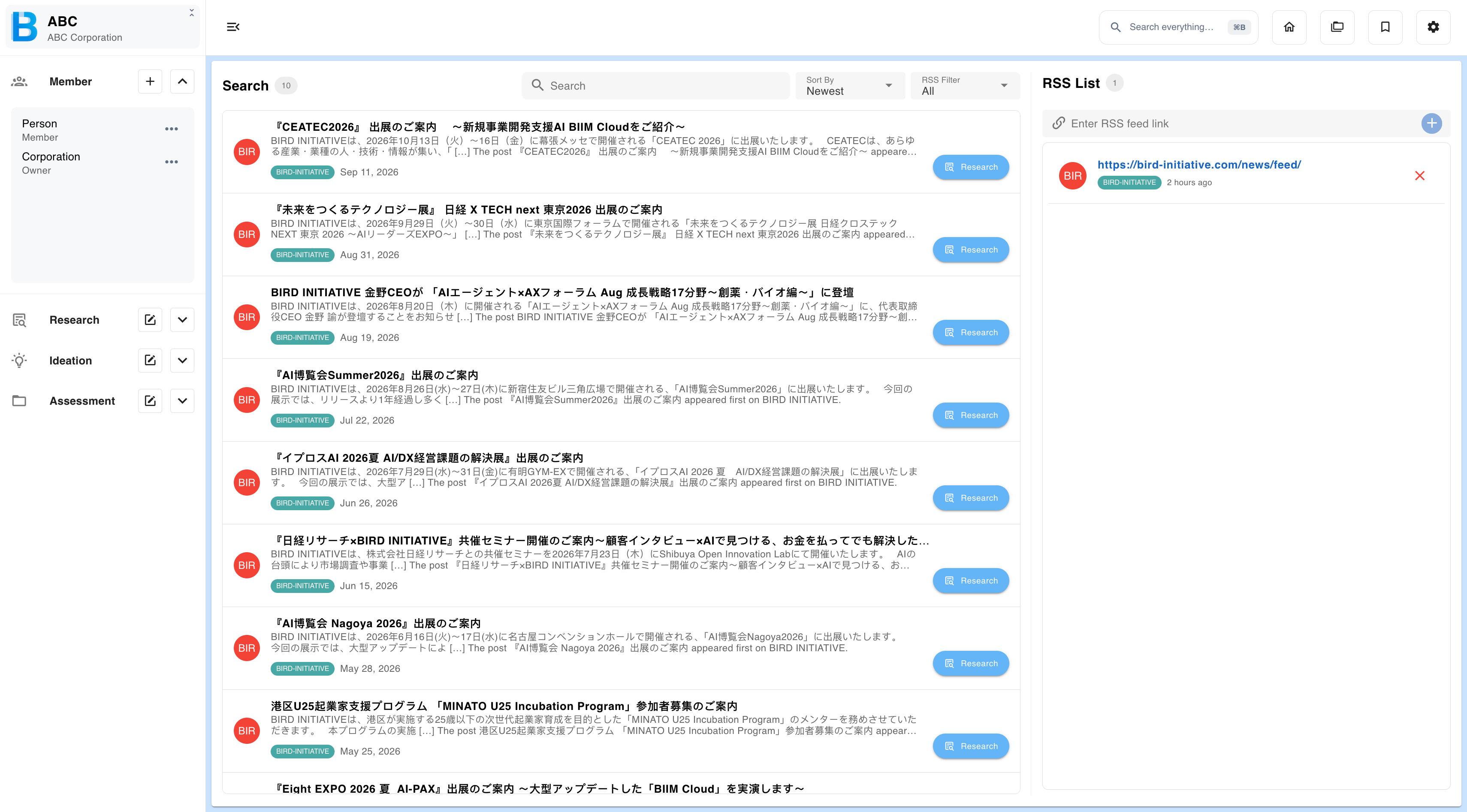
| Control | What it does |
|---|---|
| Sort by | Reorders the article list. |
| Filter | Narrow the list to selected feeds. |
| RSS list | Adds or removes feeds. |
| Pagination | Pages through longer article lists. |
Researching an article
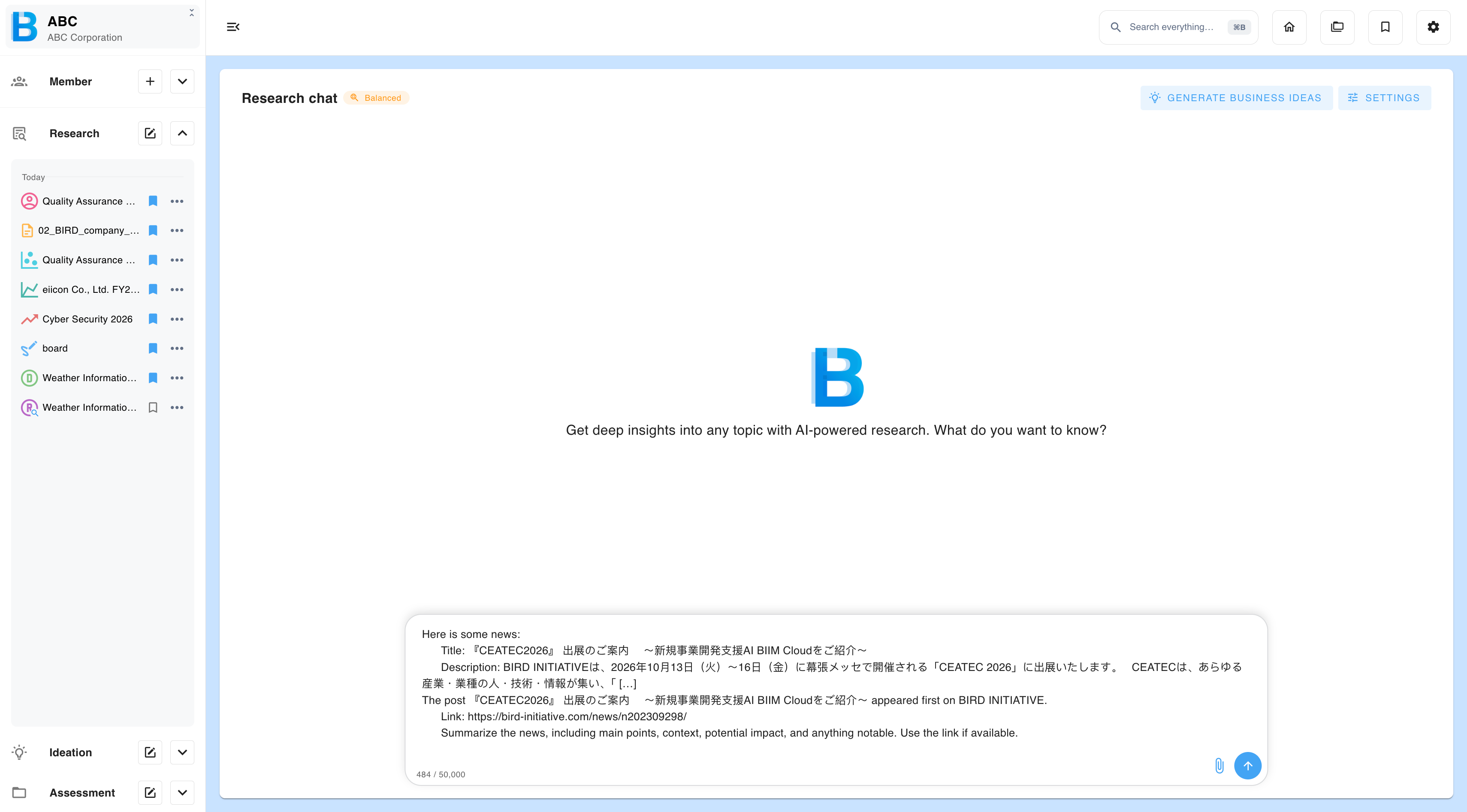
Every article has a Research button. Selecting it opens a research chat already primed with that article, so you can investigate a headline the moment you see it instead of copying it somewhere else first.
Selecting the article title opens the original source instead.