Idea board
An idea board is a shared whiteboard that the AI can draw on. Select Research → Idea board, give it a name and select Create for a blank board. Boards are also created automatically when you turn a summary note into a mind map — see Summary Note.
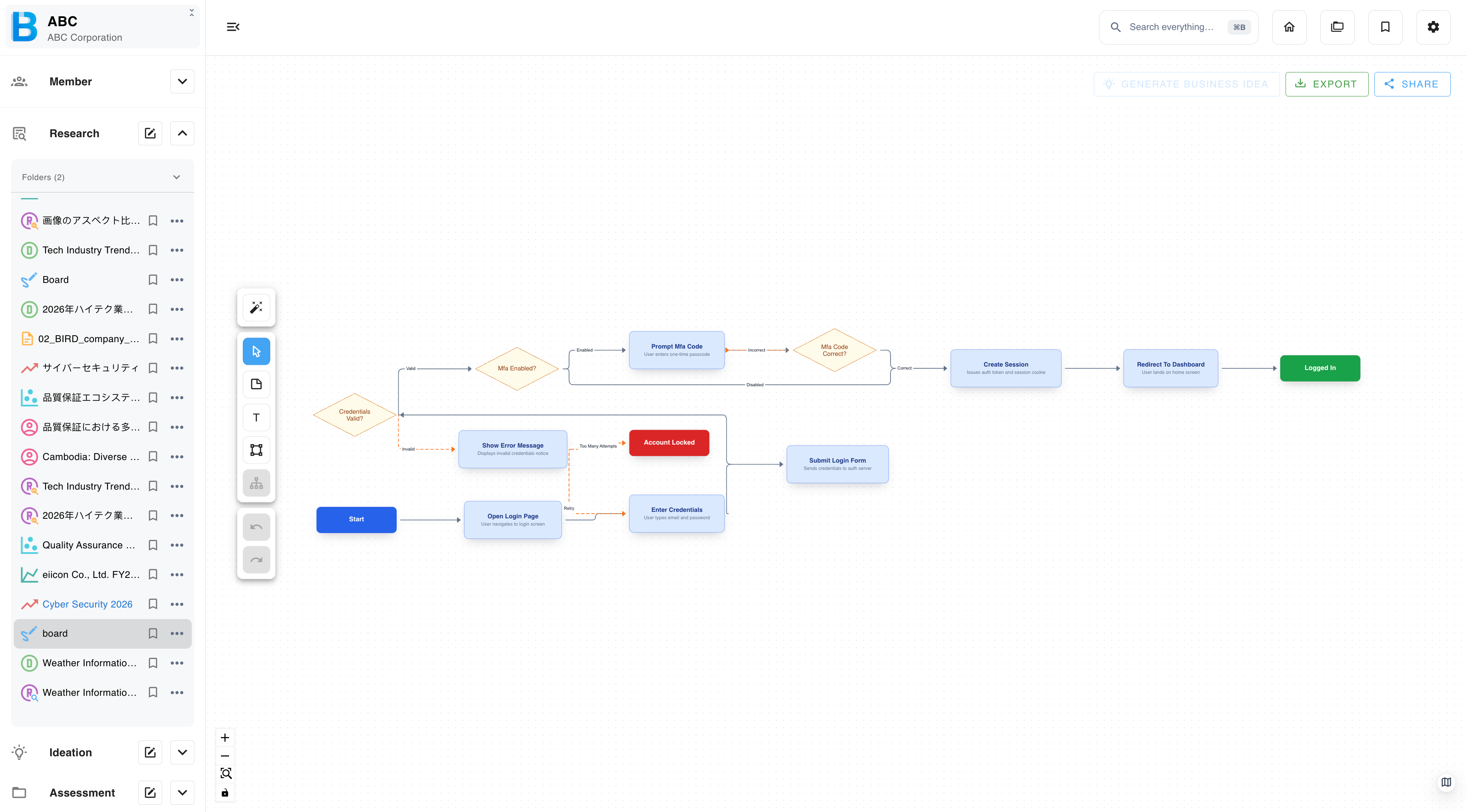
Content can be copied and pasted between boards, so several related outputs can be collected onto one canvas for discussion.
AI diagram generation
| Step | What to do |
|---|---|
| 1 | Select the AI button. |
| 2 | Enter a prompt, for example "generative-AI workflow efficiency service for manufacturing". |
| 3 | Choose a diagram type: Flowchart, Mind map, Timeline or System diagram. |
| 4 | Review the result, then adopt or discard it. |
Building by hand
| Tool | What it does |
|---|---|
| Add note | A text box with a background. |
| Add shape | Shapes, rendered as SVG, with colour fill. |
| Move | Reposition items. |
| Undo / Redo | Steps back and forward. |
Images can be added by dragging them onto the board. Accepted formats: .jpg .png .gif.
Text formatting and item options
- Text: bold, italic, underline, larger and smaller font size, colour, align left, centre or right, and remove all styling.
- Items: copy, paste, bring to front, bring forward, send to back, send backward and delete.
Layout transform
Select a group of notes and apply a direction — top to bottom, bottom to top, left to right or right to left. The board re-flows to match.
This is much faster than dragging a mind map into shape by hand, and worth doing before you screenshot a board for a document.
Export and share
Export as PNG, JPEG or SVG. SVG stays sharp at any size — use it when the board is going into a document or a printed deck.
Boards can also be shared publicly, bookmarked and duplicated.
Generating ideas from a board
Select the notes you want, then generate business ideas from them. See Promote Research to Ideation in the Ideation chapter.