Bookmarks
Save whole items or single chat messages as bookmarks, and find them again from anywhere in BIIM.
Bookmarks let you save whole items, or single messages inside a chat, and find them again from anywhere. Select the bookmark icon in the top right to open them.
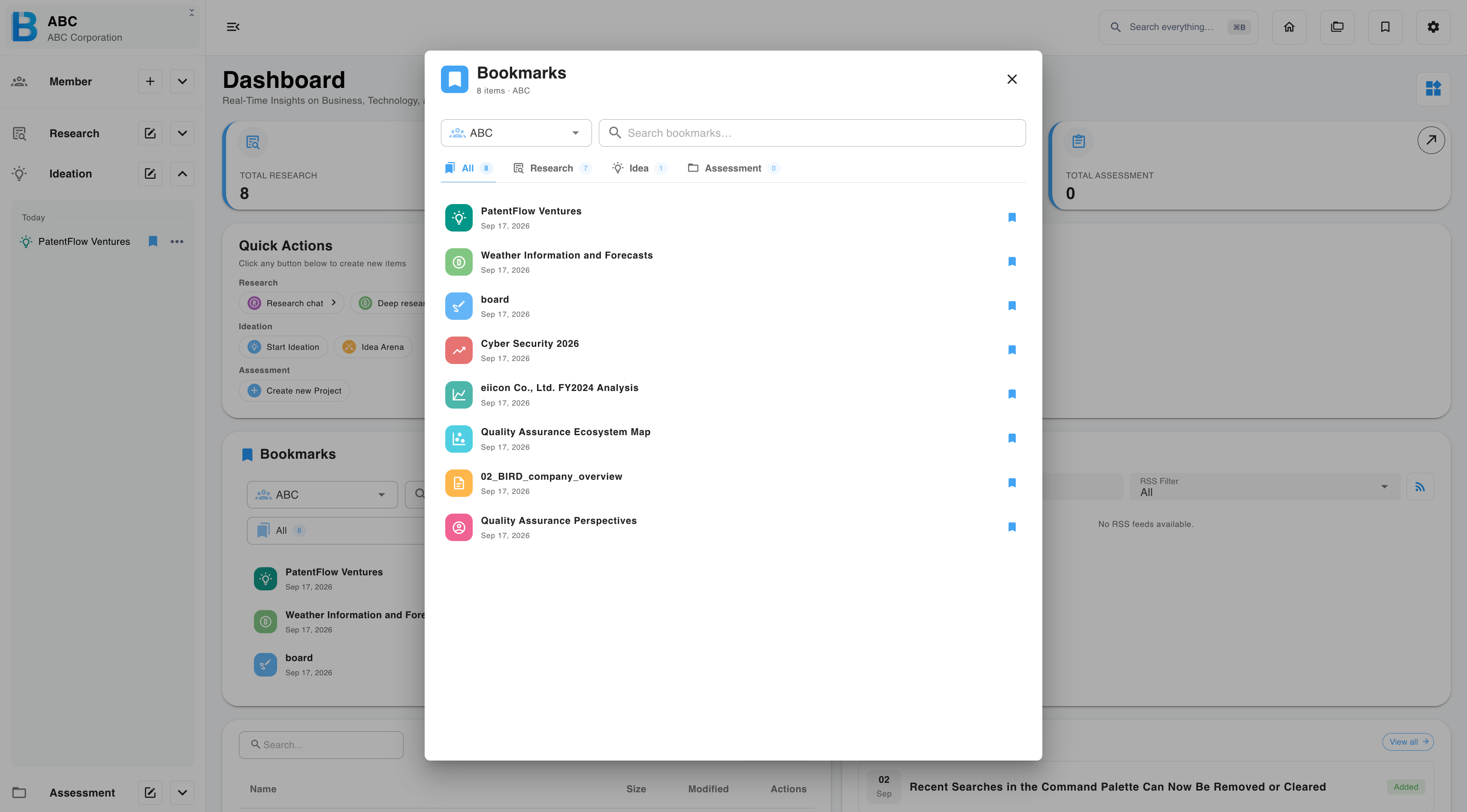
What you can bookmark
- Any research, ideation or assessment item
- An individual message inside a chat — use the bookmark icon on the message itself
Adding and removing
A bookmark can be switched on or off from three places, and the three stay in sync:
- The bookmarks dialog
- The section list — Research, Ideation or Assessment
- The item itself
Counts update immediately wherever they appear.
Finding a bookmark
| Control | What it does |
|---|---|
| Group filter | Limits the list to one group, or searches across all your groups at once. |
| Tabs | Separate Research, Ideation and Assessment. |
| Search box | Filters within whatever scope is currently selected. |
Opening a bookmark also makes the matching item active in the sidebar, so you do not lose track of where it lives.