Groups — company vs. team
Create the group that holds your work, and choose between a company and a team before you do.
A group is the shared space that holds your work. All research, ideations, assessments and uploaded files belong to a group, and every member of that group can see them.
A group is not the same thing as the workspace described in the Workspace chapter. The group is what your work belongs to; the workspace is the interface you view it through.
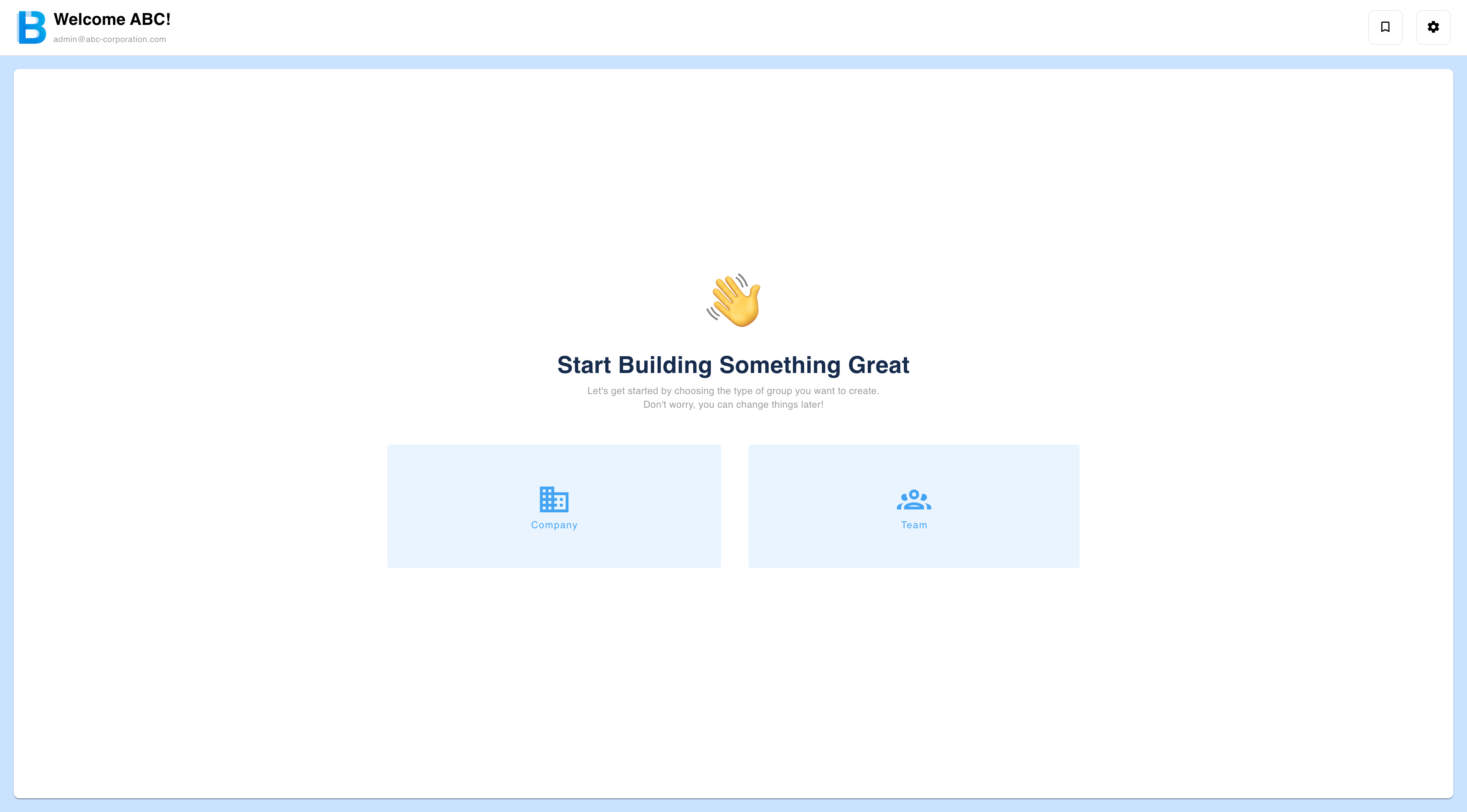
When you first sign in you are asked to create a company or a team. If a colleague has already invited you, you can accept their invitation instead and skip this step.
Which one should I choose?
| Company | Team | |
|---|---|---|
| Required input | All fields — name, website URL, description | Name only |
| Website URL | Required, and validated | Not applicable |
| What the AI knows about you | Your public company information | Only what you write in the description |
| Best for | Ideas grounded in your existing business and assets | Ideas free of your existing business |
In a company group, ideation and assessment analysis lean heavily towards your main business and its assets. To explore outside that, create a team instead.
A group cannot be converted from one type to the other later. Decide before you create it.
Creating a company
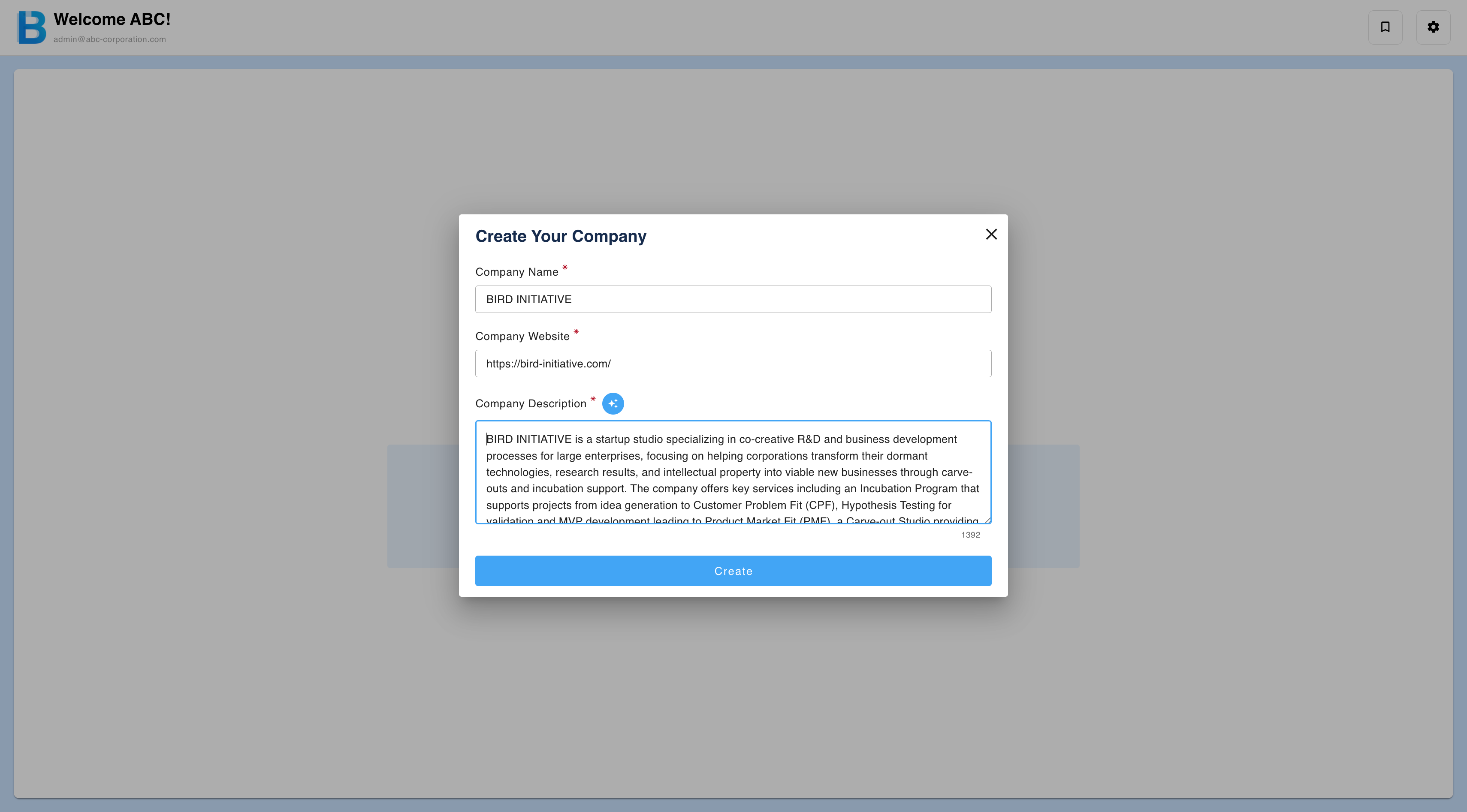
- Choose a Company.
- Enter the company or organisation name and the website URL. Both are required, and the URL is validated — an incorrectly formatted address is rejected.
- Enter a description. You can generate it automatically from the website, or write it yourself.
- Select Create.
The information you enter becomes your own-company data in every analysis, so it is worth getting right. Only the owner can edit it afterwards.
Creating a team
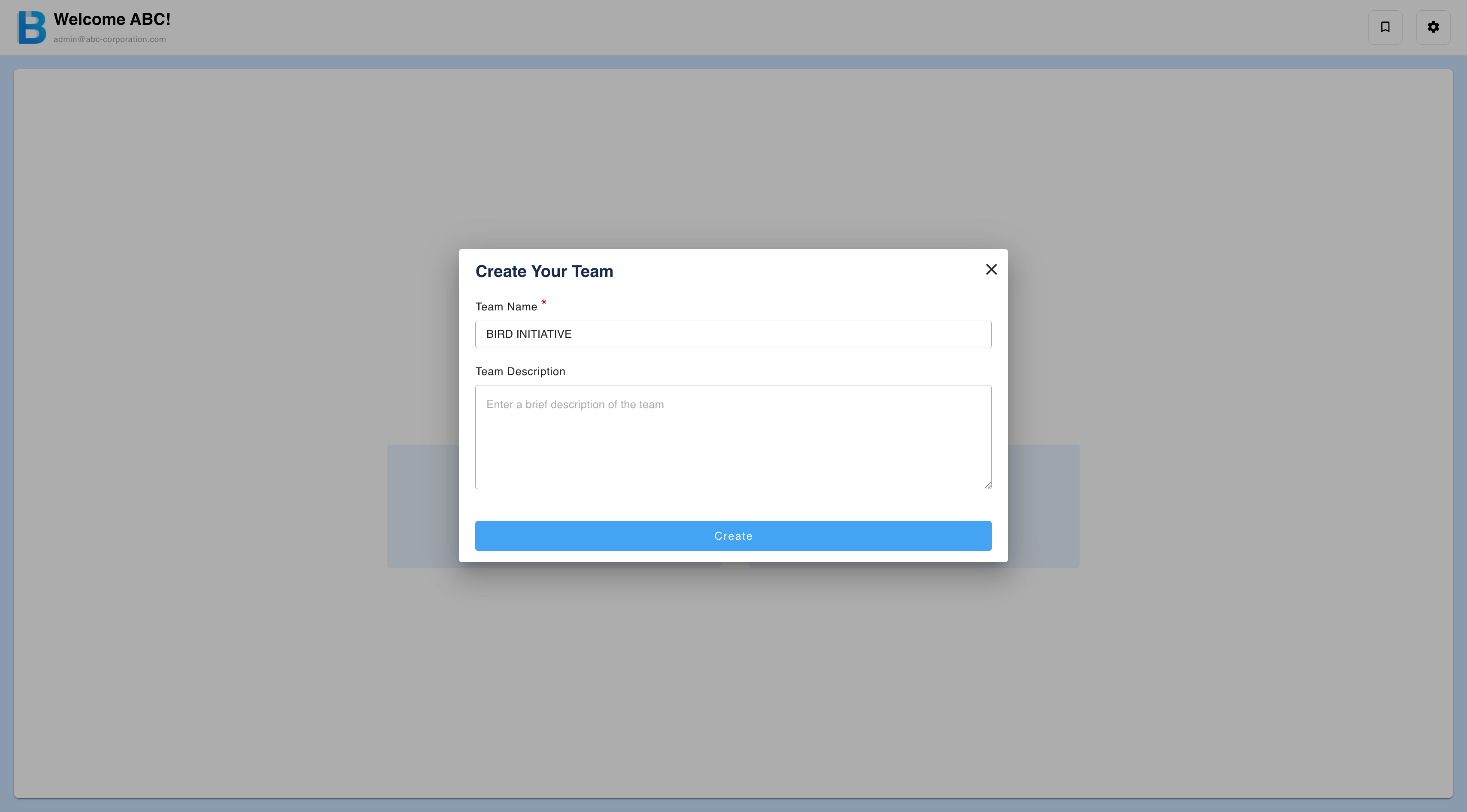
- Choose a Team.
- Enter a team name. This is the only required field.
- Optionally add a description.
- Select Create.
Describing your team members' strengths in the description improves ideation and assessment analysis.
Limits
| Limit | Value |
|---|---|
| Group name length | Up to 70 characters |
| Groups per account | 15, counting both groups you create and groups you join |
| Members per group | No limit. Guests count as members of the group, but with restricted permissions. |
For file and storage limits, see Limits.
Editing and deleting a group
Editing and deletion are owner-only. See Group Administration.
Deleting a group removes it for every member, not just for you, and erases all of its data from storage. Deletion is permanent and nothing can be recovered. If you only want to leave the group yourself, transfer ownership first — see Roles and Permissions.